
- Maintenance
- Security
- Website
Website Maintenance After Handover: A Practical Guide
Website maintenance does not end on handover day. Here is what to do: updates, backups, security patches, uptime monitoring, content updates and performance checks.
3 min read
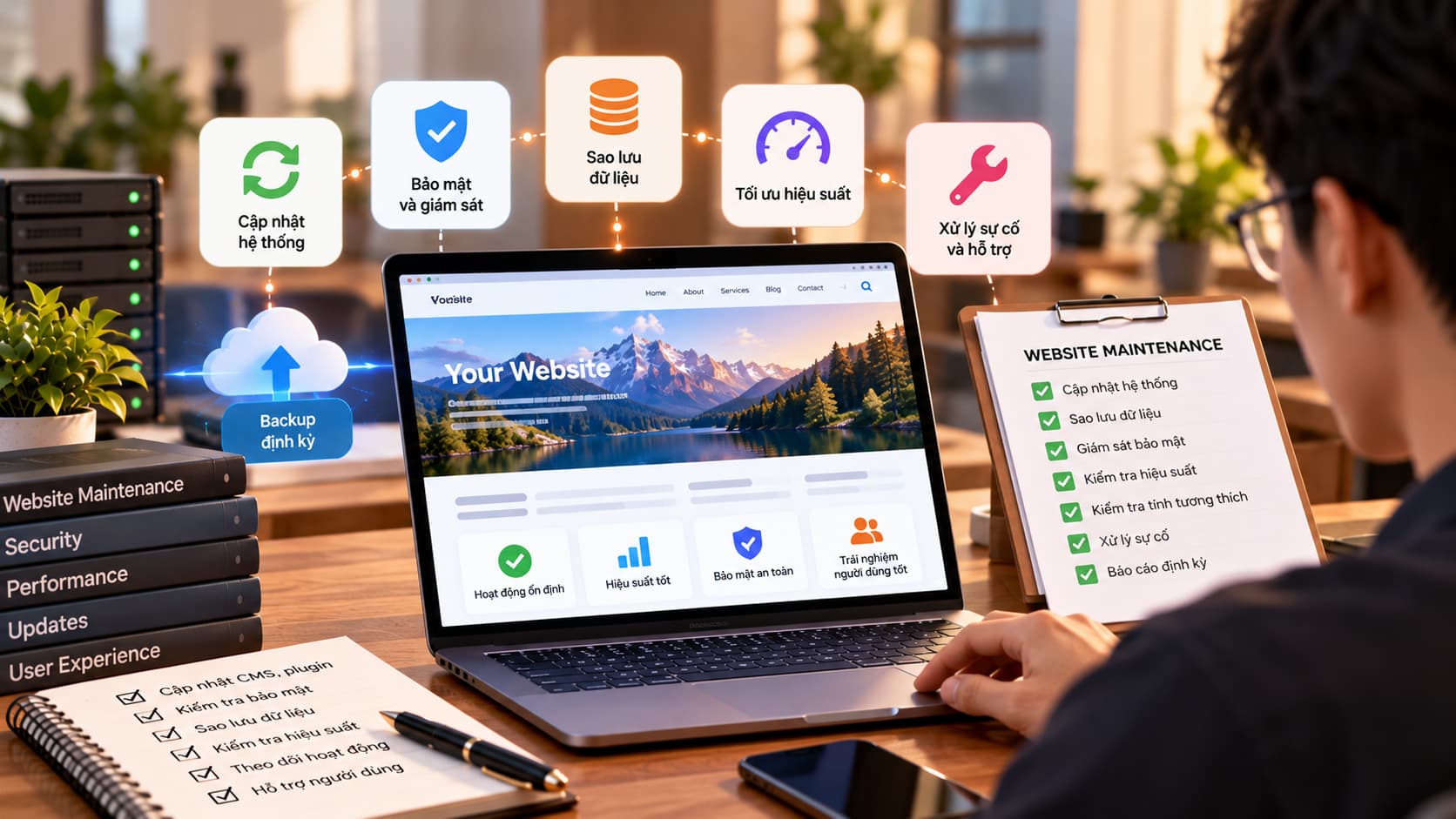
Handover day is an important milestone, but it is not the finish line. Just as a car needs regular servicing, website maintenance keeps your site stable, secure and fast. A neglected website is more likely to break when browsers change, to be exploited through known vulnerabilities, or to slow down over time. Here is what your business should do after handover.
Why website maintenance cannot be skipped
A website is built from many parts: frameworks, libraries, servers, databases, SSL certificates. Each has updates, a support lifetime and the potential for new vulnerabilities. The OWASP Top 10 shows that many common risks come from misconfiguration and outdated components — exactly what regular maintenance addresses.
1. Update software and libraries
- Keep frameworks, CMS, plugins and libraries on supported versions.
- Read release notes before major upgrades and test on a staging environment first.
- Remove unused plugins or libraries to shrink the attack surface.
2. Back up your data
Backups are your insurance when things go wrong. Back up both the database and uploaded files (images, documents), and store them separately from the main server. Just as important: test a restore now and then to make sure the backups actually work.
3. Apply security patches
- Apply security patches as soon as possible after they are released.
- Use strong passwords, enable two-factor authentication where available, and limit admin accounts.
- Make sure the SSL certificate is valid and renews automatically.
- Remove accounts of people who have left the company.
4. Monitor uptime
You should not be the last to know your website is down. An uptime monitoring tool checks the site regularly and alerts you by email or message when it stops responding. Combine it with error log monitoring to catch problems before customers report them.
5. Keep content up to date
Outdated information (prices, phone numbers, discontinued products) hurts credibility. Assign someone to own the content, check for broken links and keep key pages accurate. Fresh, useful content is also a solid foundation for long-term SEO.
6. Check performance
Sites tend to slow down as images pile up, data grows or tracking scripts are added. Measure page speed regularly on both mobile and desktop, compress images, clean up unused data and review third-party scripts.
Regular website maintenance checklist
| Frequency | Tasks |
|---|---|
| Daily | Automated backups, uptime monitoring |
| Weekly | Review error logs, check the contact form still works |
| Monthly | Security updates, broken link check, performance test |
| Quarterly | Test a backup restore, review admin accounts |
| Yearly | Renew the domain, review infrastructure and upgrade plans |
- ✅ Handover documents in hand: hosting, domain and source code access
- ✅ Clear owner for incidents
- ✅ Agreed scope for the maintenance plan
Do it yourself or hire a maintenance partner?
Content updates are something your team can easily handle. Technical work such as version upgrades, security patches or server incidents usually needs specialist skills. Whichever route you take, write down who is responsible for what so nothing falls through the cracks.
Conclusion
Website maintenance is a small, steady investment that prevents costly incidents. With a clear routine and a named owner, your website stays ready to serve customers. If you need help putting together the right maintenance plan, get in touch with us.