
- Software
- Project management
- Cost
How to Write a Software Requirements Document Before Hiring
A practical guide to preparing a clear software requirements document (brief) before hiring a development team: goals, users, features, constraints, budget and acceptance criteria, with a template.
3 min read
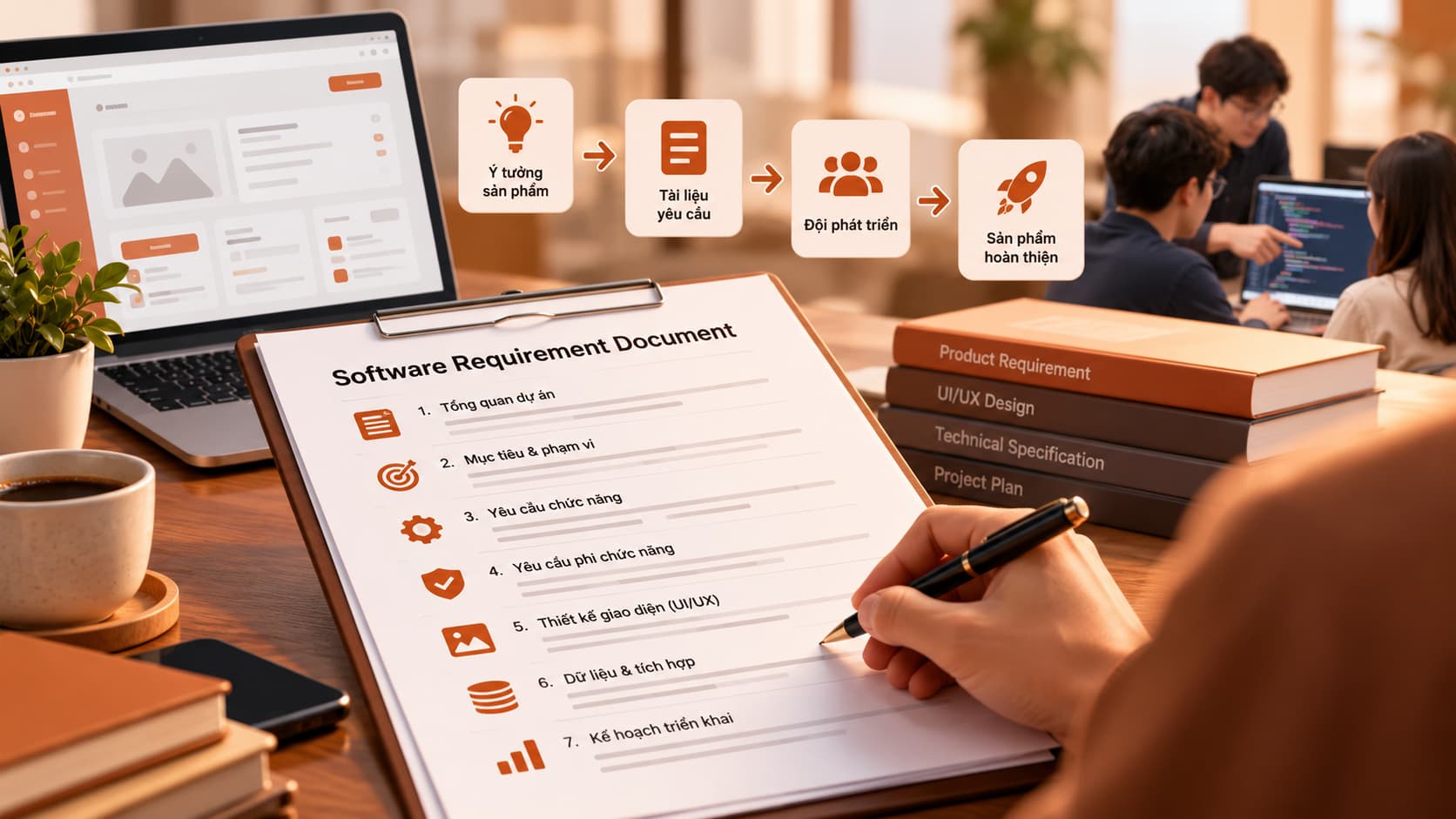
Before hiring a team to build software, preparing a software requirements document (often simply called a brief) can save you a great deal of back-and-forth. A brief does not have to be long or written to a technical standard; it just needs to be clear enough for the team to understand what problem you want to solve, for whom, and within which limits. A good brief also makes it easier to compare quotes from different vendors fairly.
What should a software requirements document include?
1. Context and goals
Briefly describe your business and the current problem. Instead of "we need a management app", write "staff enter orders in spreadsheets, which causes errors and takes hours to reconcile". Then state the goal: what should the software change?
2. Users
Who will use the software: customers, warehouse staff, accountants, managers? What does each group need to do, and will they use a computer or a phone? This directly affects both design and scope.
3. Core features and nice-to-haves
Split your feature list into two groups:
- Must-have: without these, the software does not solve the problem.
- Nice-to-have: these can wait for a later phase.
An easy way to express features is the user story format: "As a [role], I want to [action] so that [benefit]". Atlassian's guide to user stories is a good reference.
4. References
Attach products you like (and why), screenshots of your current workflow, forms and the spreadsheets you use today. These often communicate more than pages of description.
5. Constraints
List the limits the team should know from day one: existing systems to integrate with (accounting software, payment gateways, shipping providers), data and security requirements, languages, and where the servers must be hosted.
6. Budget range and timeline
Many people hesitate to share a budget for fear the quote will simply match it. In practice, a budget range lets the team propose a realistic scope instead of guessing. Include your target date and the reason behind it (for example, launching before a sales season).
7. Acceptance criteria
What does "done" look like? For example: "Staff can create an order on a phone, stock is deducted automatically, and managers can view a daily report". Concrete criteria prevent disputes at handover.
A short software requirements document template
Copy the template below and fill it in:
PROJECT NAME:
CONTACT PERSON:

1. Context / current problem:
2. Goals (what the software should change):
3. Users and what they need to do:
   - Group 1:
   - Group 2:
4. Must-have features:
5. Nice-to-have features:
6. Reference products / documents:
7. Systems to integrate, technical constraints:
8. Estimated budget range:
9. Target timeline and reason:
10. Acceptance criteria:
Check before you send it
- ✅ Would someone outside your industry understand the problem?
- ✅ Are must-haves clearly separated from nice-to-haves?
- ✅ Is there at least one example or reference?
- ✅ Have you stated a budget range and timeline?
- ✅ Are the acceptance criteria measurable?
Your brief does not need to be perfect the first time. A good development team will ask questions and refine it with you during discovery.
Conclusion
Spending a few hours on a software requirements document helps your first meeting get straight to the point and leads to more realistic quotes. Whether you already have a brief or only an idea and need help writing one, get in touch with us.