
- Software
- Project management
Custom Software Development Process: From Idea to Launch
An overview of the custom software development process: discovery, requirements, UI/UX design, iterative development, testing, deployment, handover and ongoing support.
3 min read
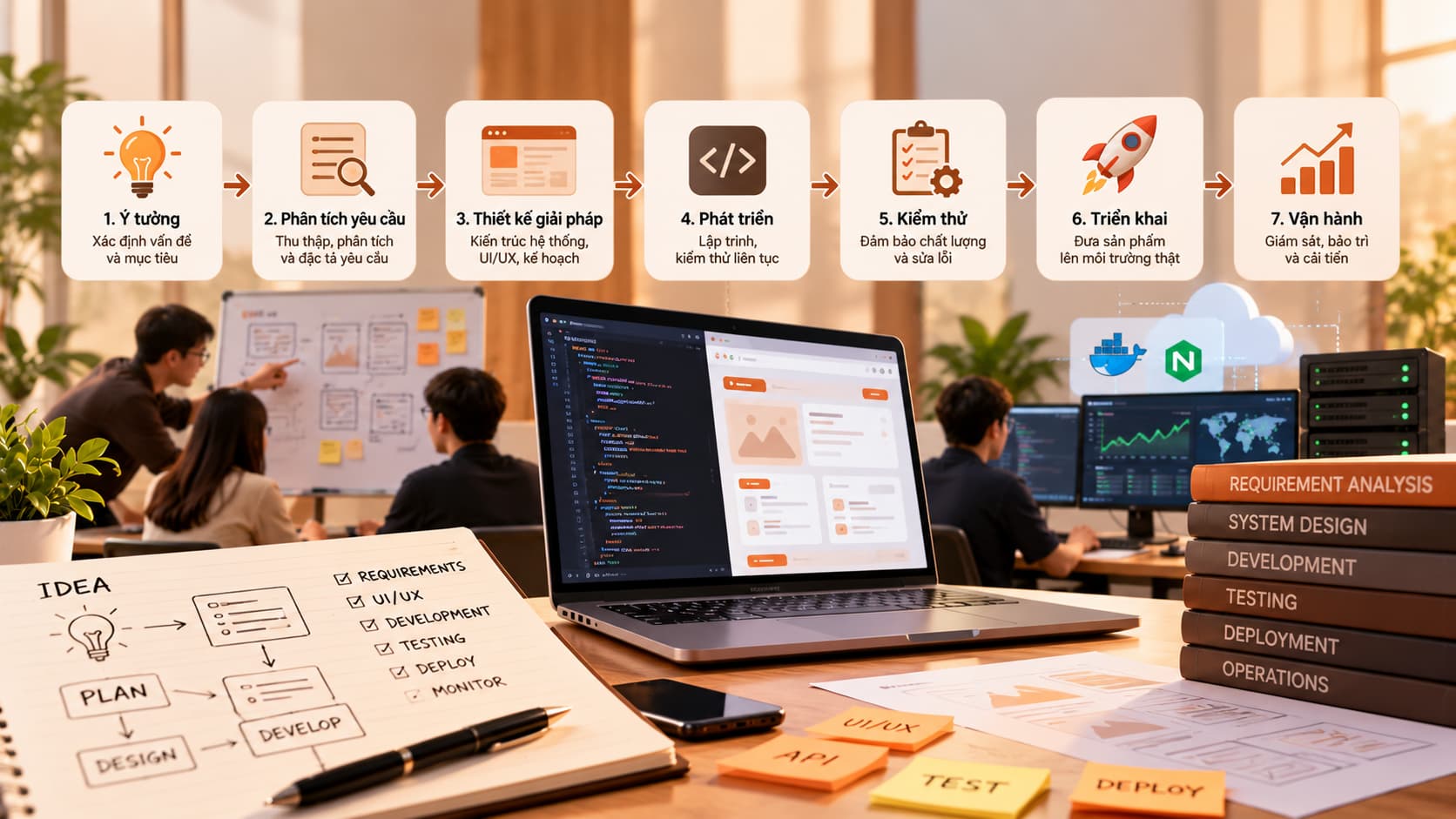
When a business decides to build its own software instead of buying an off-the-shelf product, the first question is usually: "Where do we start, and how long will it take?". Understanding the software development process tells you what to prepare, when you need to be involved and how to keep cost and quality under control. This article walks through the typical stages of a custom software project, from the first idea to a system running reliably in production.
Why a clear software development process matters
Custom software is different from buying a packaged product: requirements are rarely complete at the start, and they evolve as both sides understand each other better. A clear process helps you:
- Share the same understanding of scope and goals.
- Catch misunderstandings early, while they are still cheap to fix.
- Review working software at regular checkpoints instead of only reading reports.
- Receive a complete handover of documentation, source code and access.
1. Discovery
This stage answers the question "why do we need this software?". The team talks to the business owner and to real users to understand the current workflow, its bottlenecks and the desired outcome. The output is usually a description of goals, user groups, key risks and a rough estimate.
2. Requirements analysis
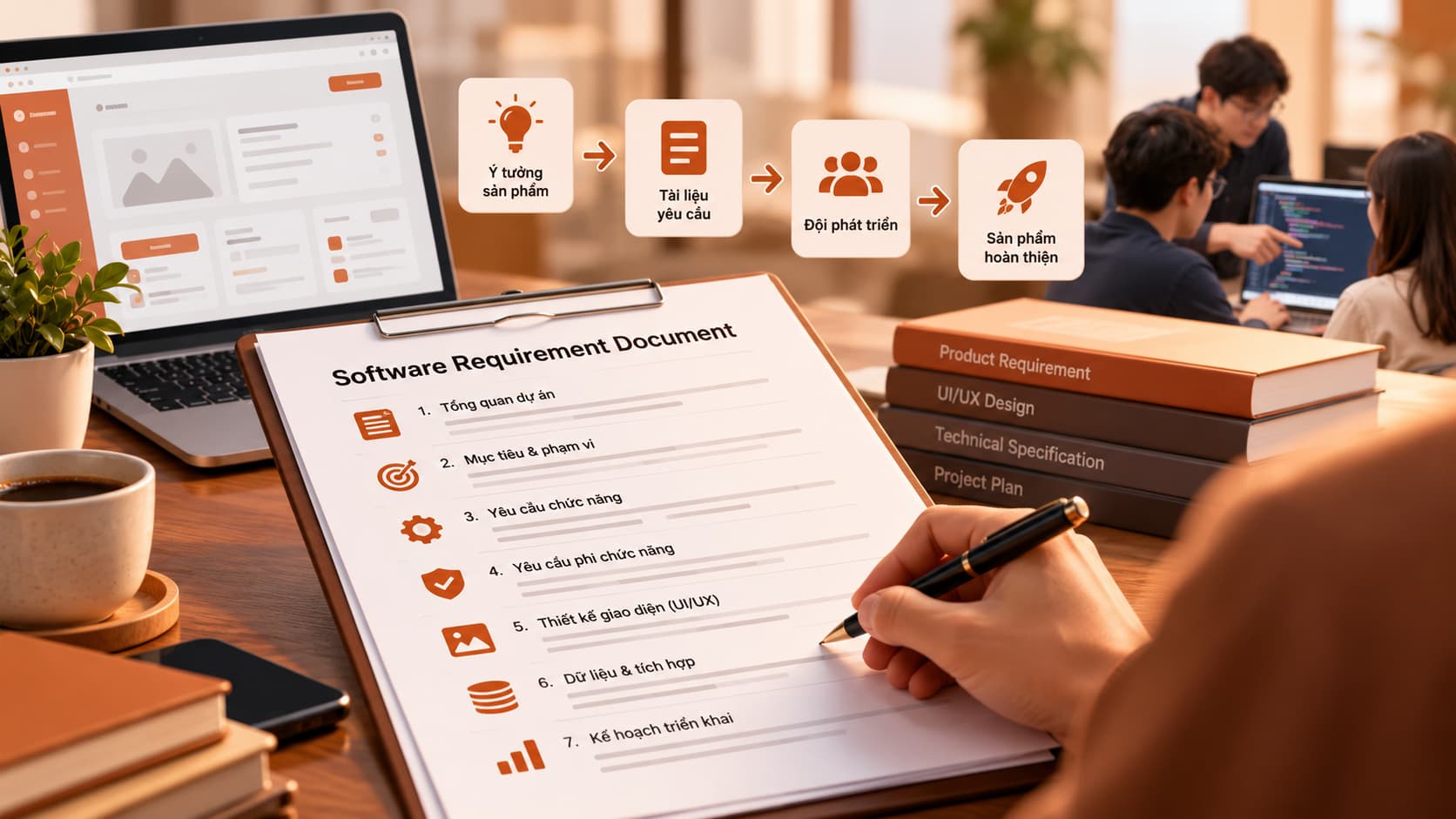
The goals are broken down into a list of features (a backlog), each with a description and acceptance criteria. This is where you separate core features from nice-to-haves, so the first release focuses on what matters most.
3. UI/UX design
Before any code is written, designers map out user flows, then wireframes, then detailed screens. You can click through a prototype and give feedback. Changing a design is always far cheaper than changing software that has already been built.
4. Development in iterations
Rather than building everything in one go and delivering at the end, many teams split the work into short iterations (often one to two weeks). At the end of each one you see what has been completed and can adjust priorities for the next. This approach follows the spirit of the Agile Manifesto: working software and customer collaboration come first.
5. Testing
Testing runs alongside development rather than being left to the end. Common layers include:
| Type of testing | Purpose |
|---|---|
| Unit testing | Checks individual functions and small modules |
| Integration testing | Checks that the parts work together |
| User acceptance testing (UAT) | Real users confirm the business rules are right |
| Performance and security testing | Makes sure the system handles load and stays safe |
6. Deployment
The system goes live: servers, domain, HTTPS certificates, data backups and error monitoring are set up. If the new system replaces an old one, you also need a data migration plan and a rollback plan in case something goes wrong.
7. Handover and ongoing support
Handover is more than sending the source code. A good handover includes:
- ✅ Source code and access to the repository
- ✅ Admin, server and third-party service accounts
- ✅ User and operations documentation
- ✅ Training for your internal team
- ✅ An agreement on warranty, maintenance and how to report issues
After launch, the software still needs security updates, performance monitoring and new features driven by real usage.
Conclusion
A transparent software development process keeps you in control at every stage: you know where the project stands, which decisions are yours to make and what you will receive. If you have an idea for custom software and want to discuss the right way to build it, get in touch with us.